Bulk image discovery
Collect loaded img, srcset, picture, and common lazy-image candidates in one list.
ImageTrace helps you collect images from the current page, save selected files as original images, PNG, or JPG, and keep page + image URLs in local projects.
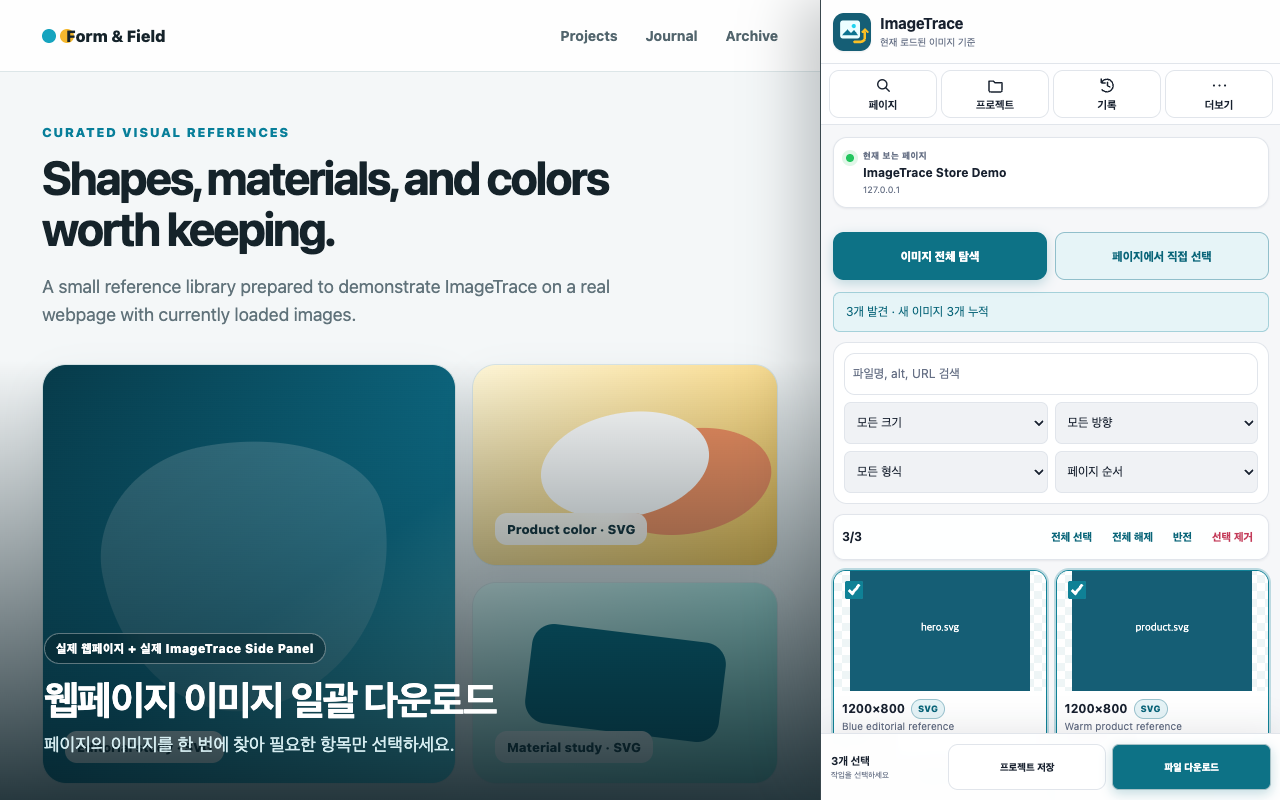
Find images, choose an output format, and preserve the page context in one focused Chrome Side Panel.
Collect loaded img, srcset, picture, and common lazy-image candidates in one list.
Convert WebP, AVIF, and other browser-readable images without a developer upload server.
Filter results by dimensions, orientation, file format, filename, and URL.
Keep page URLs, image URLs, tags, and notes, then export CSV, JSON, or ZIP.
Image candidates, projects, tags, notes, and download history stay in the current Chrome profile by default. No ImageTrace product account or cloud sync is required.